
Alles over dit product
Beschrijving en inhoud
Vespucci Canals Fire Department MLO
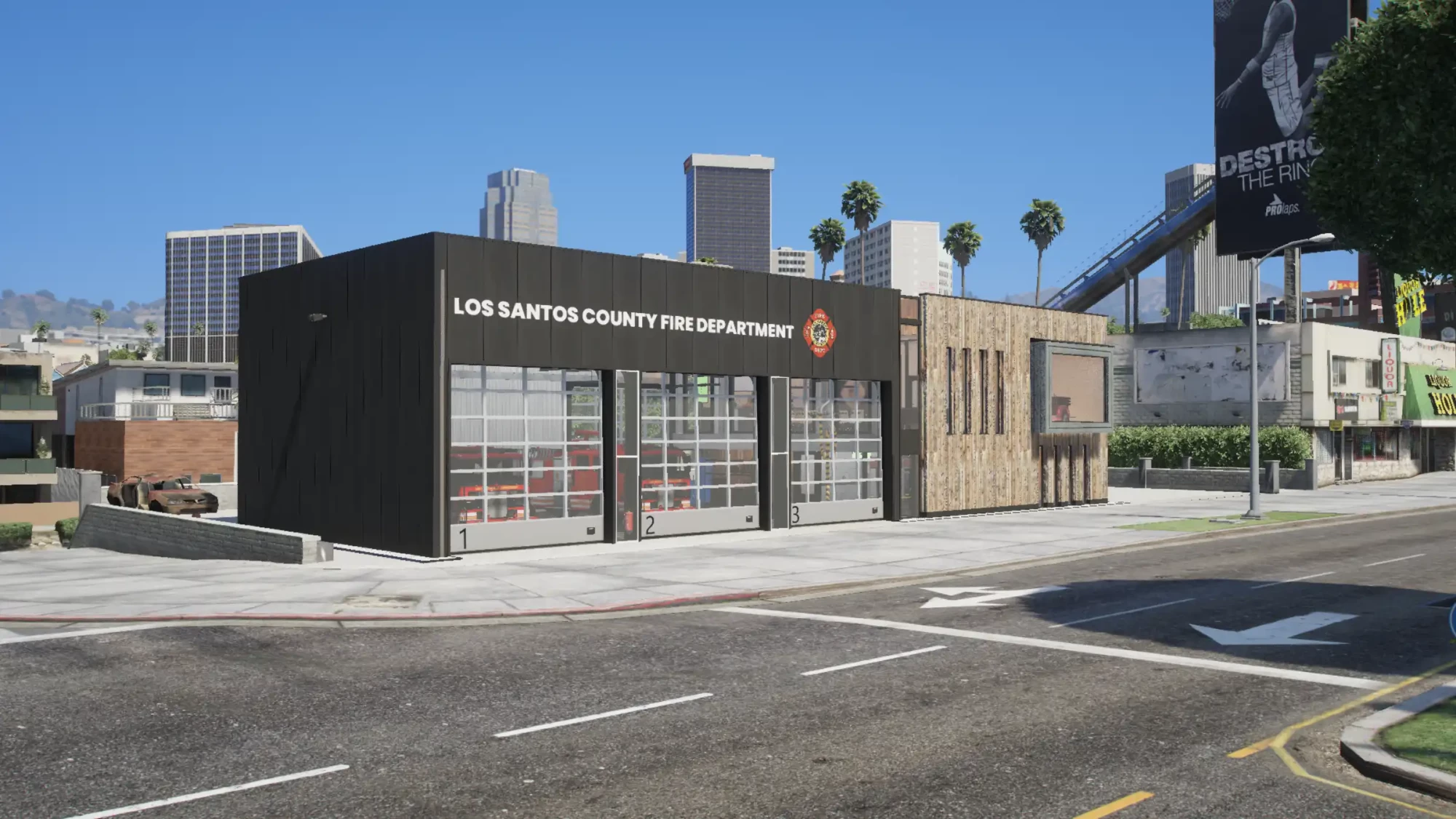
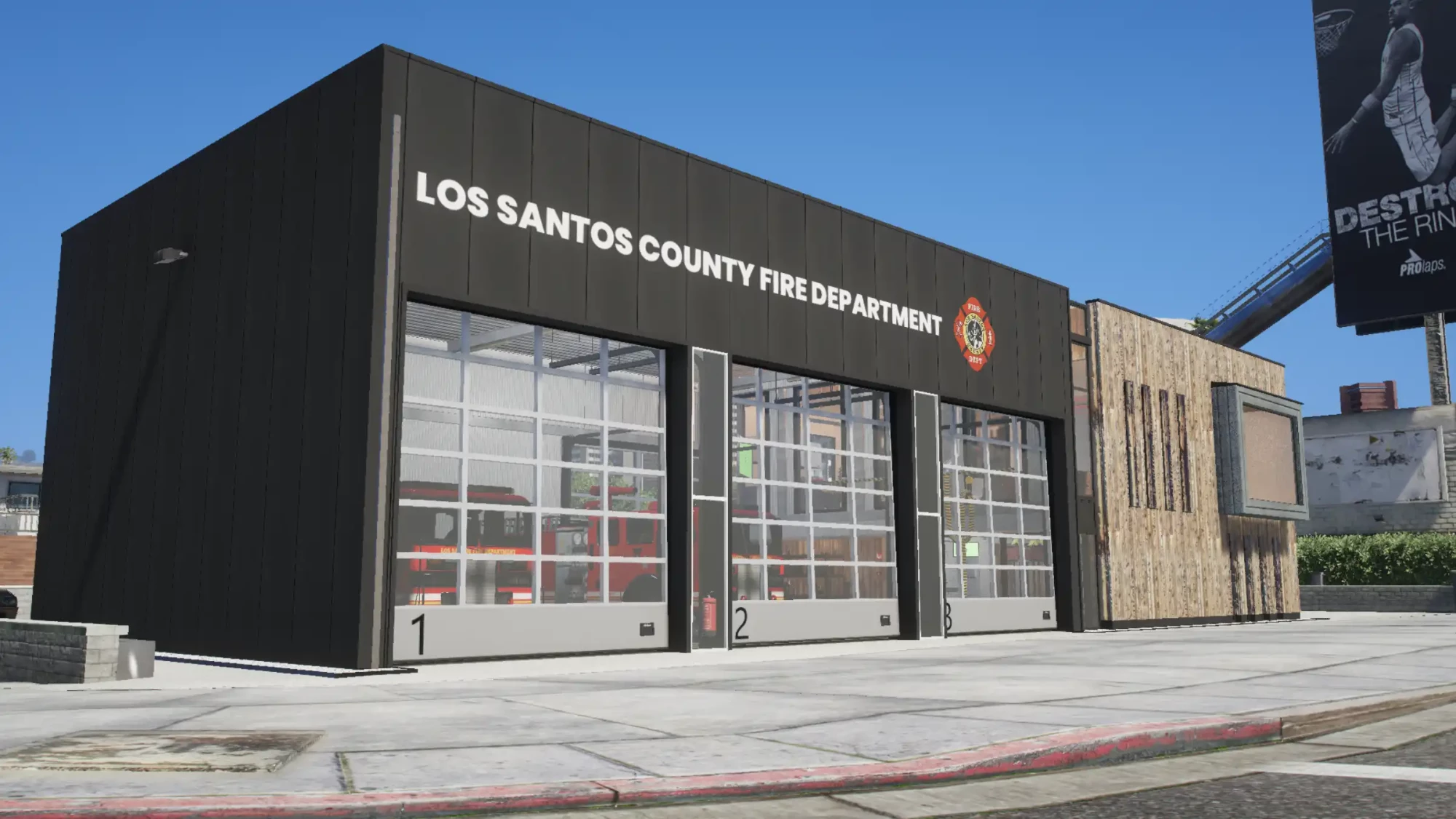
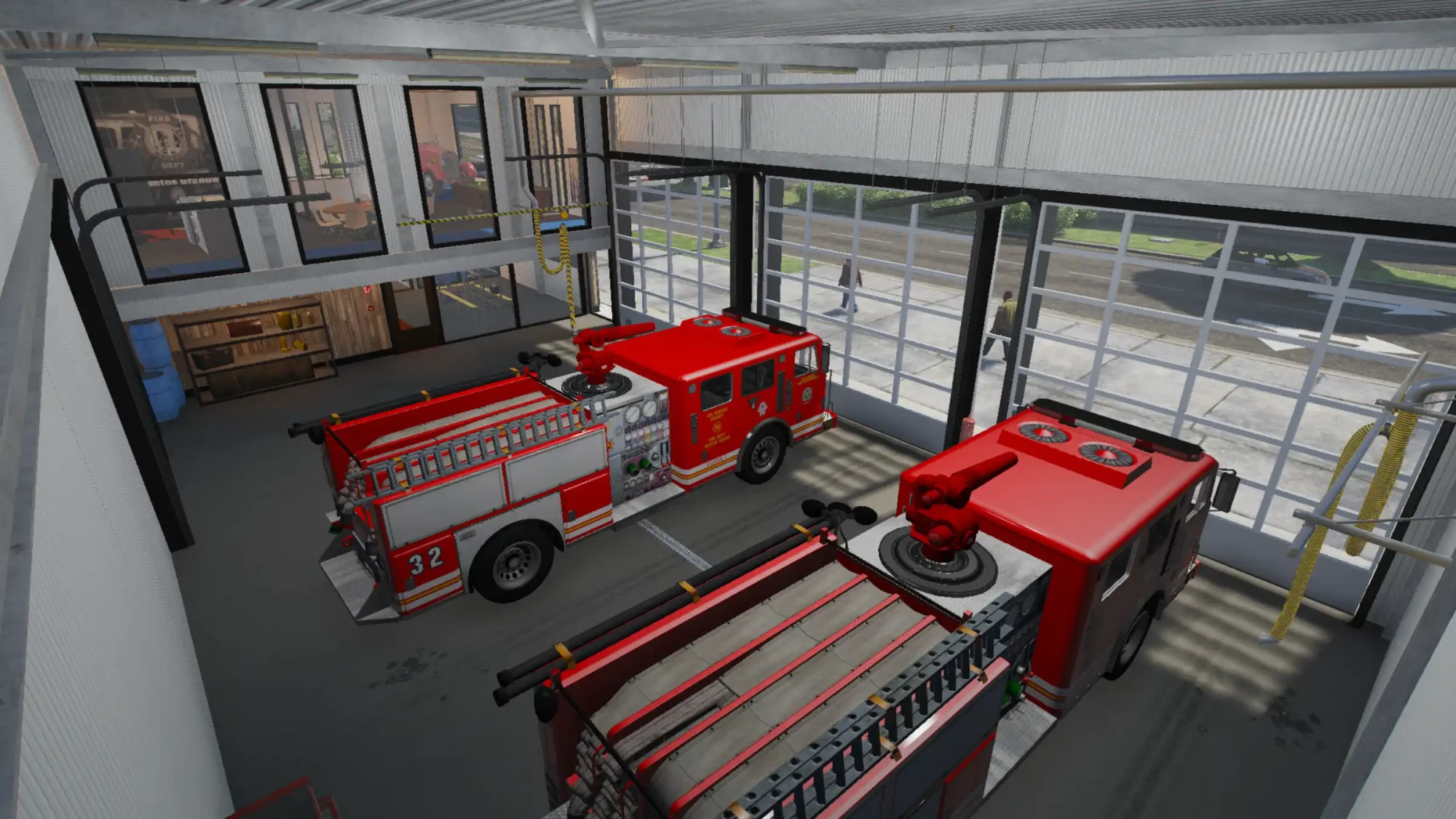
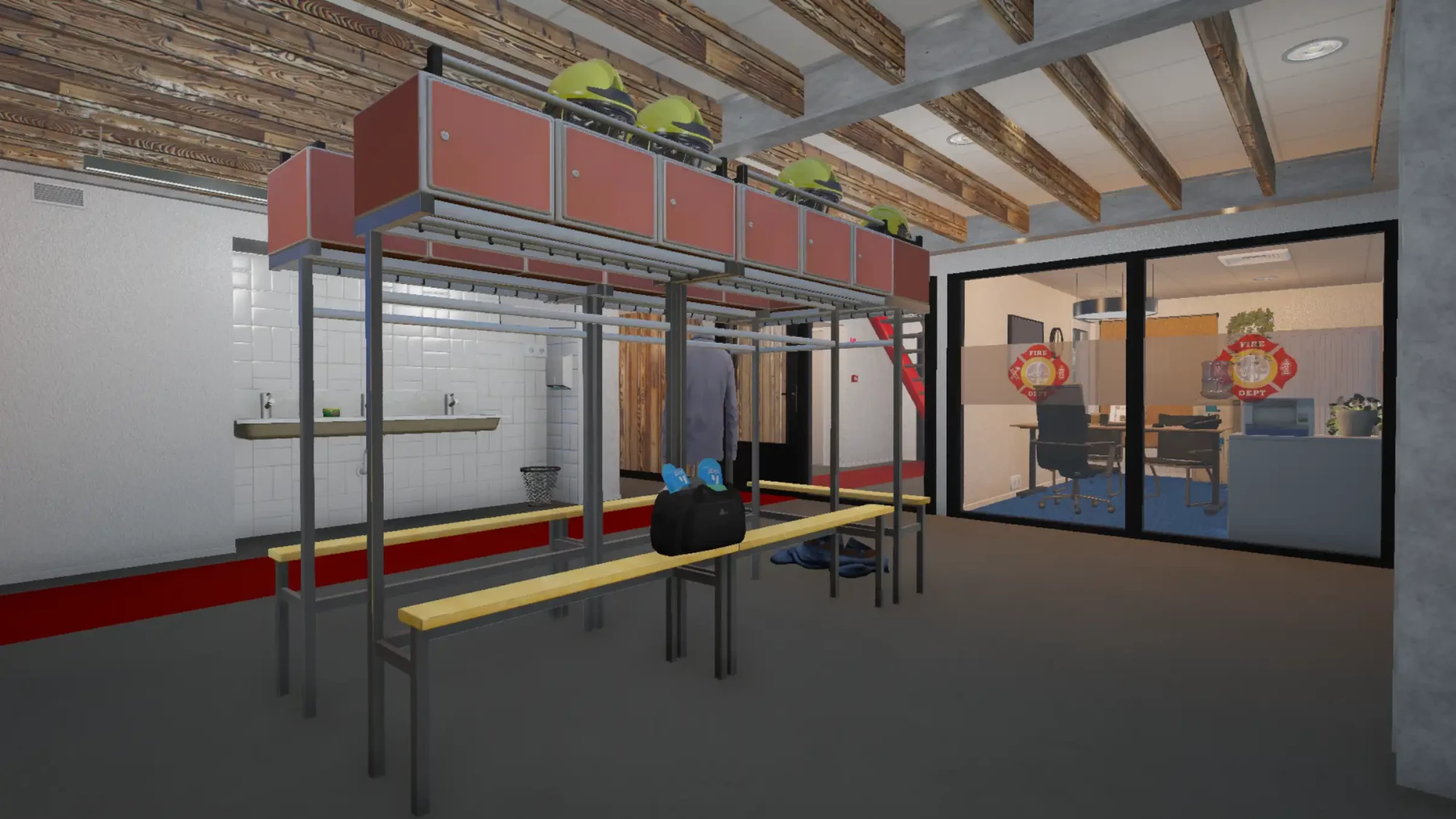
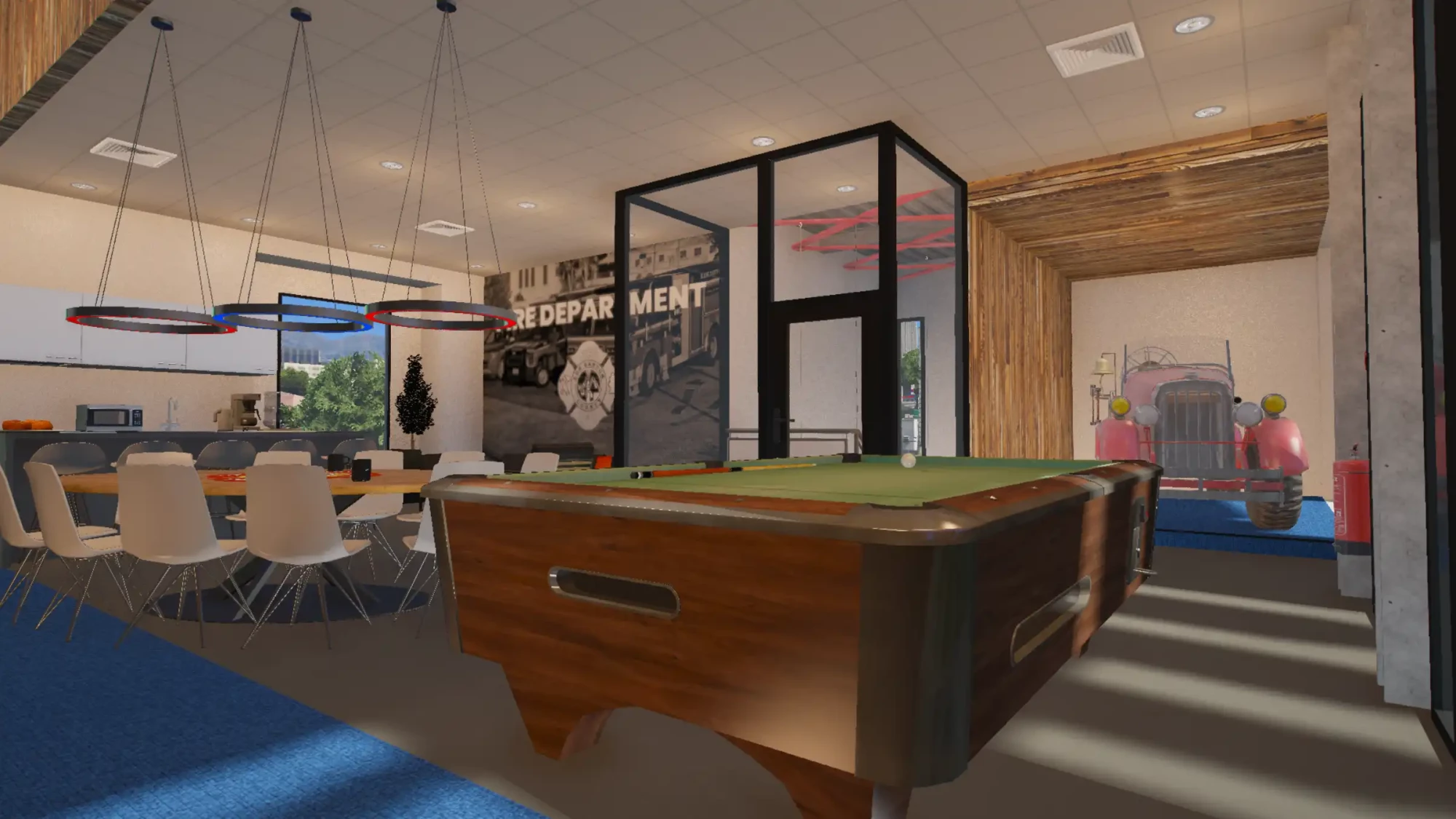
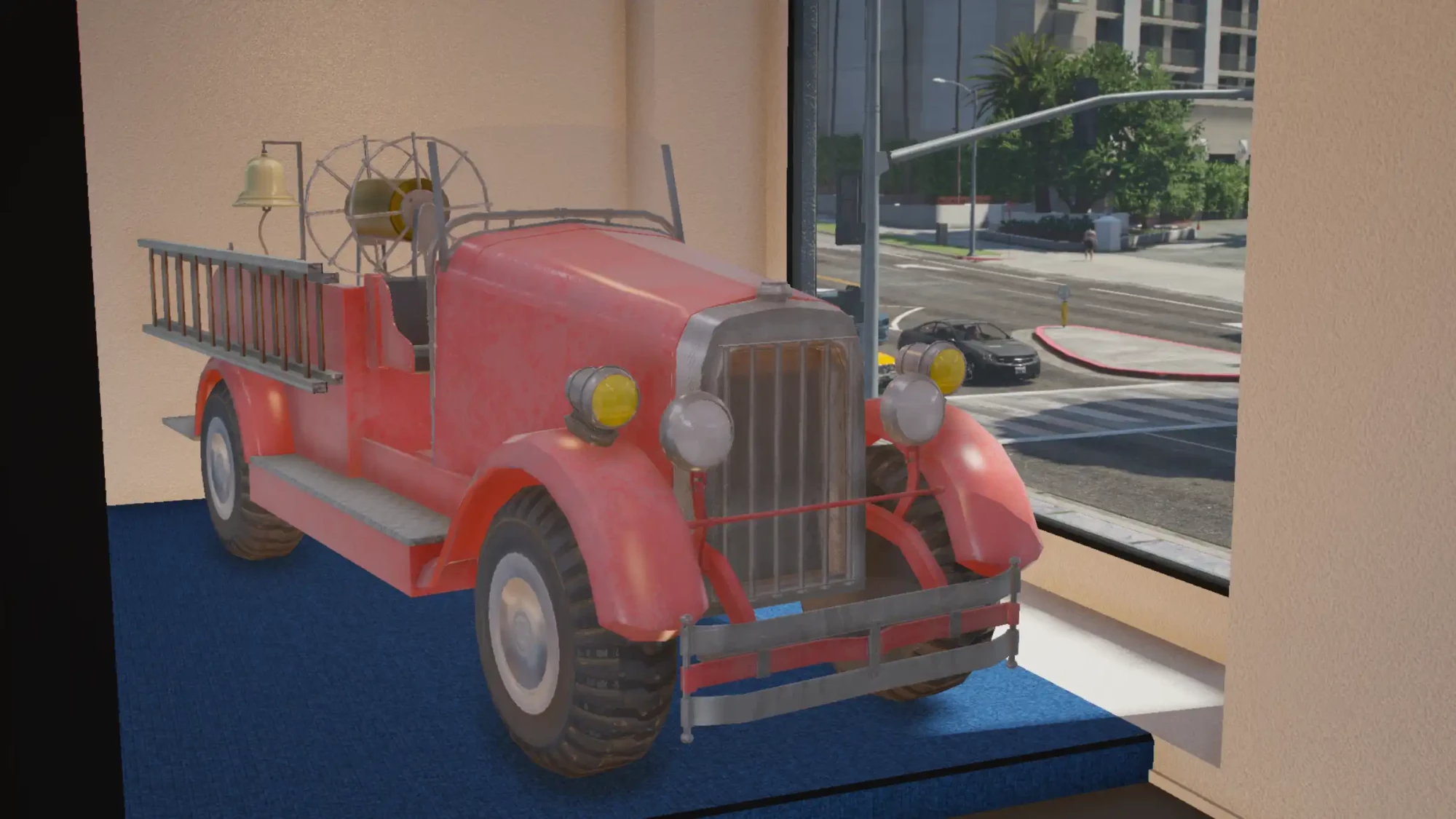
Give your firefighters a complete base of operations with the AlphaStore Vespucci Canals Fire Department MLO. Designed for American and English-speaking roleplay servers, this custom fire station provides the facilities required for daily operations, emergency response and water-rescue scenarios.
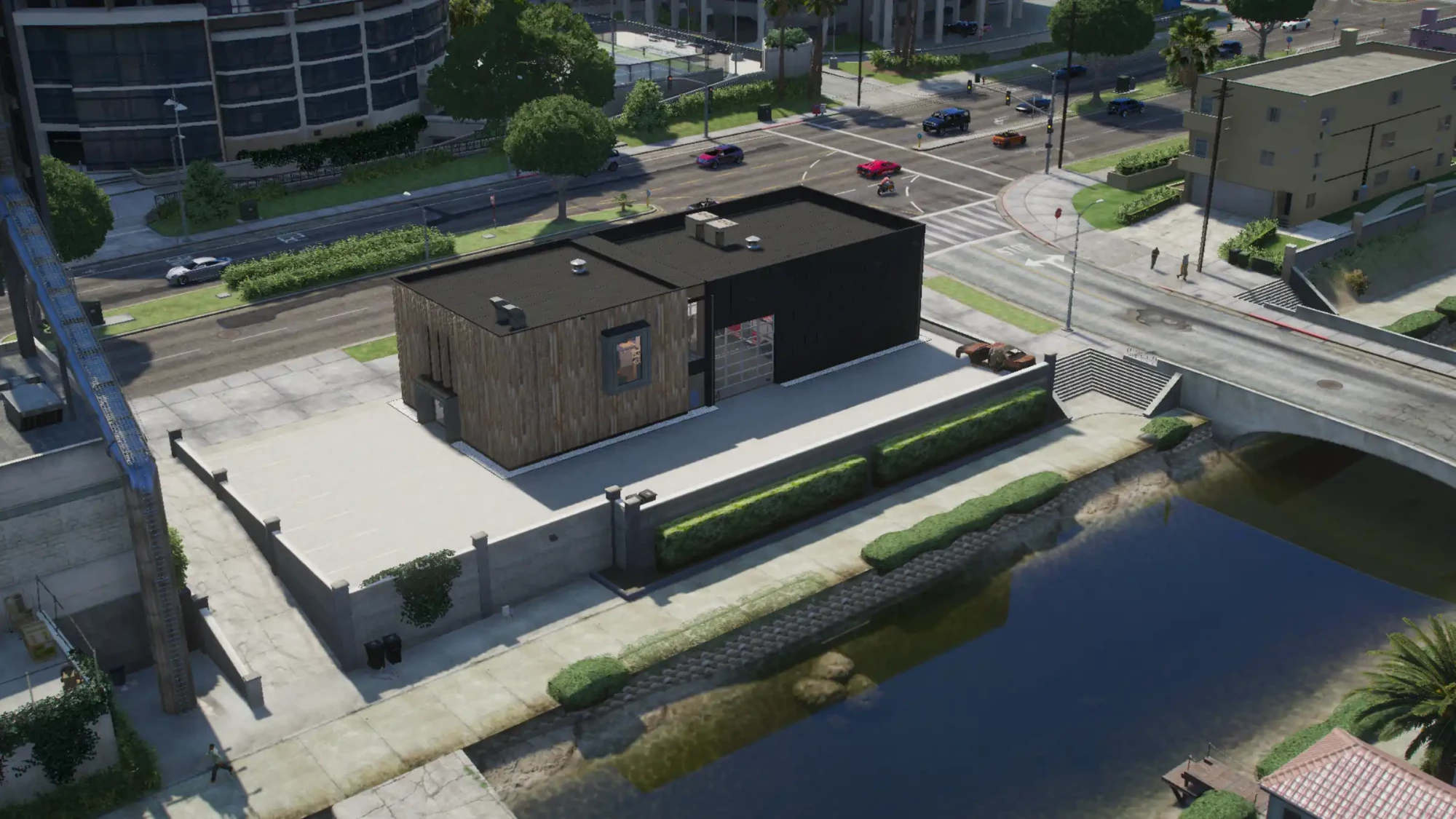
The station combines a spacious vehicle garage with practical staff facilities, living areas and a dedicated rescue-boat launch. Its location near the Vespucci Canals allows emergency services to respond to incidents on both land and water.
Editable branding and textures
The available textures can be edited, including the branding displayed on the front of the building. This allows you to adapt the station to your own fire department, server identity, colours and fictional organisation.
Always keep a backup of the original texture files before applying custom changes.
Key features
- Fully custom Fire Department MLO
- Designed for American and English-speaking servers
- Spacious garage for emergency vehicles
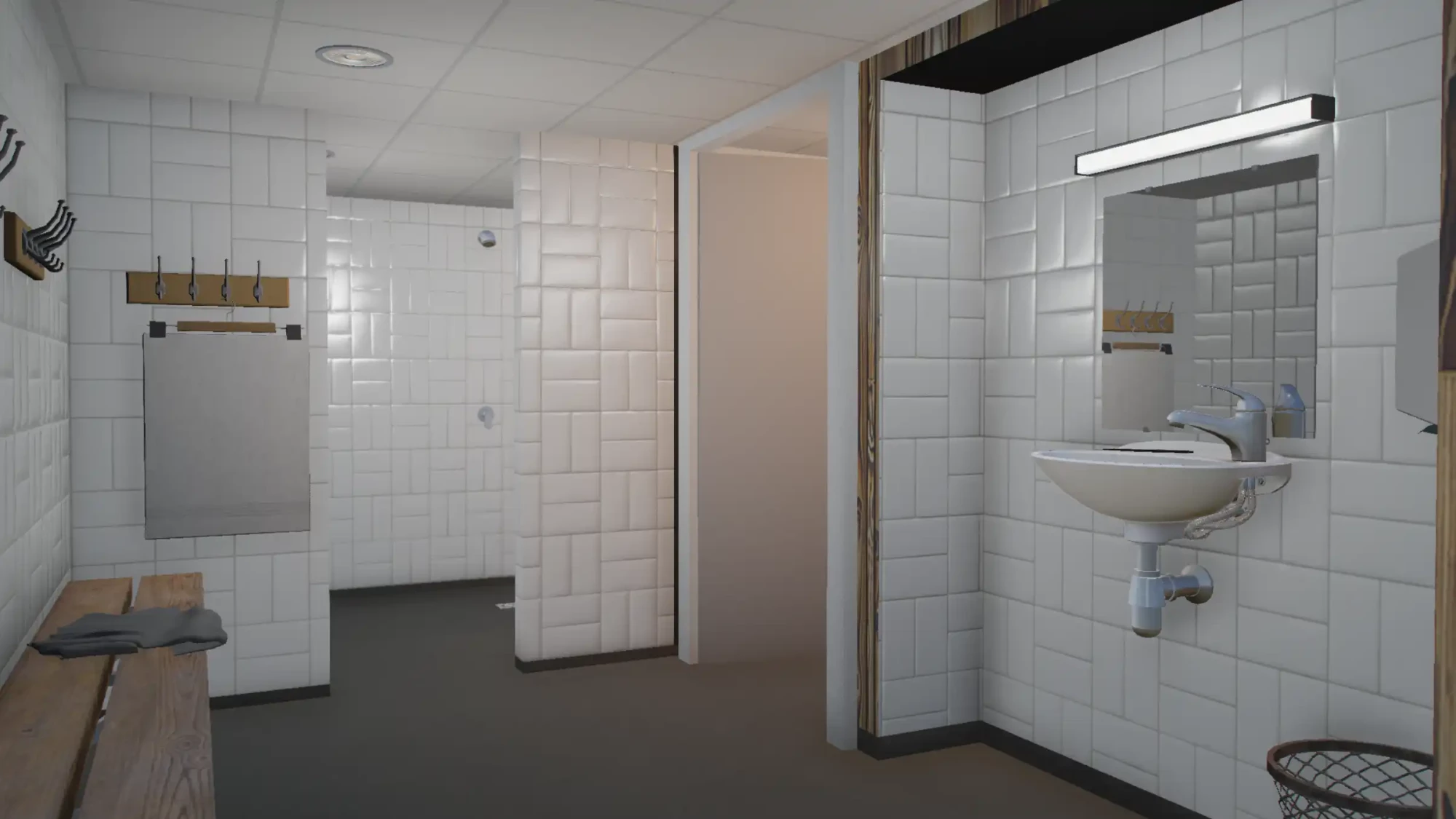
- Locker room with shower facilities
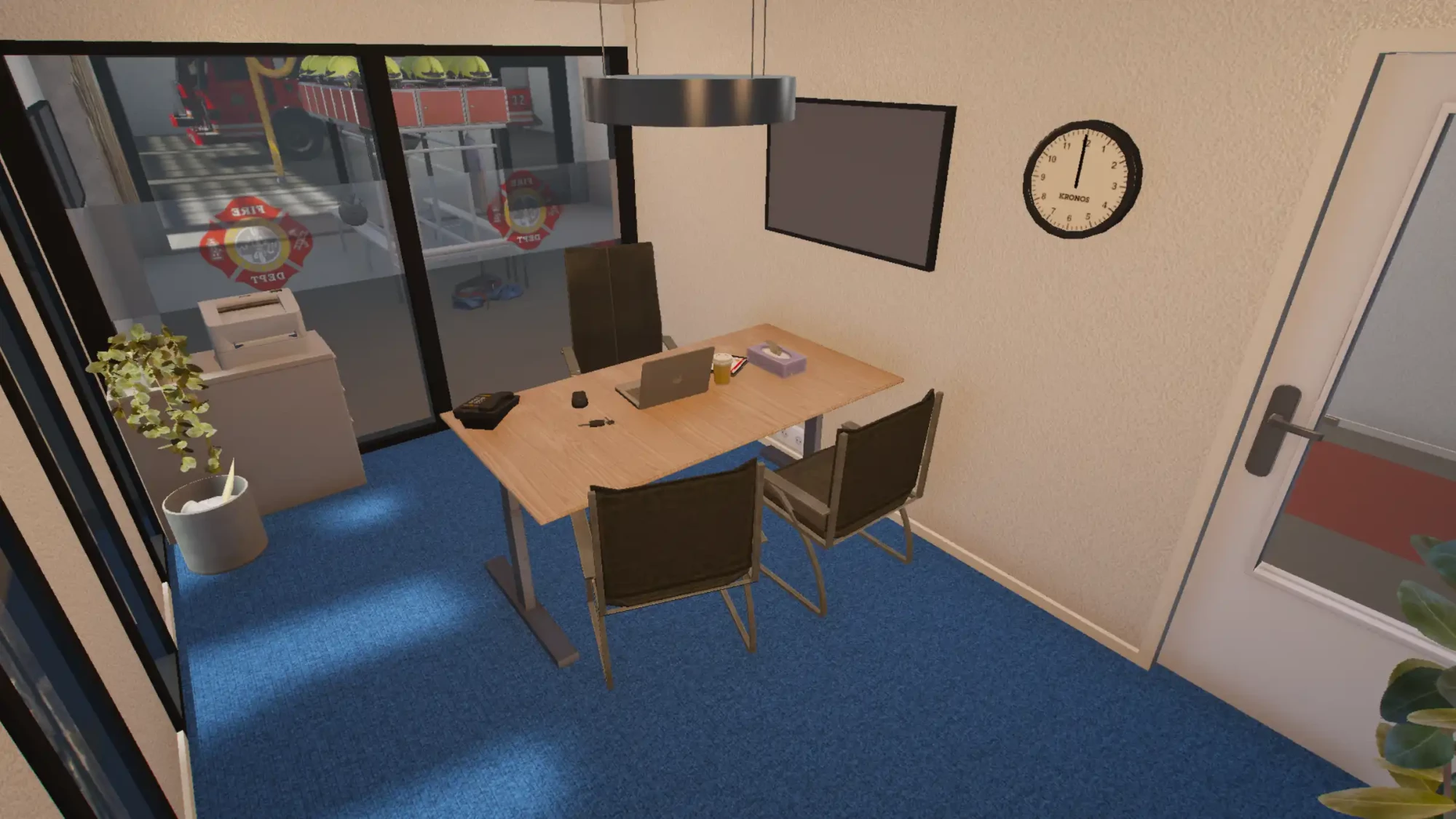
- Office for administration and command staff
- Fully furnished kitchen and lounge
- Dedicated rescue-boat launch
- Parking area for staff and visitors
- Editable textures and exterior branding
- Suitable for fire, rescue and maritime roleplay
- Ready to install as a FiveM resource
Rooms and facilities
- Emergency vehicle garage
- Locker room
- Shower facilities
- Office space
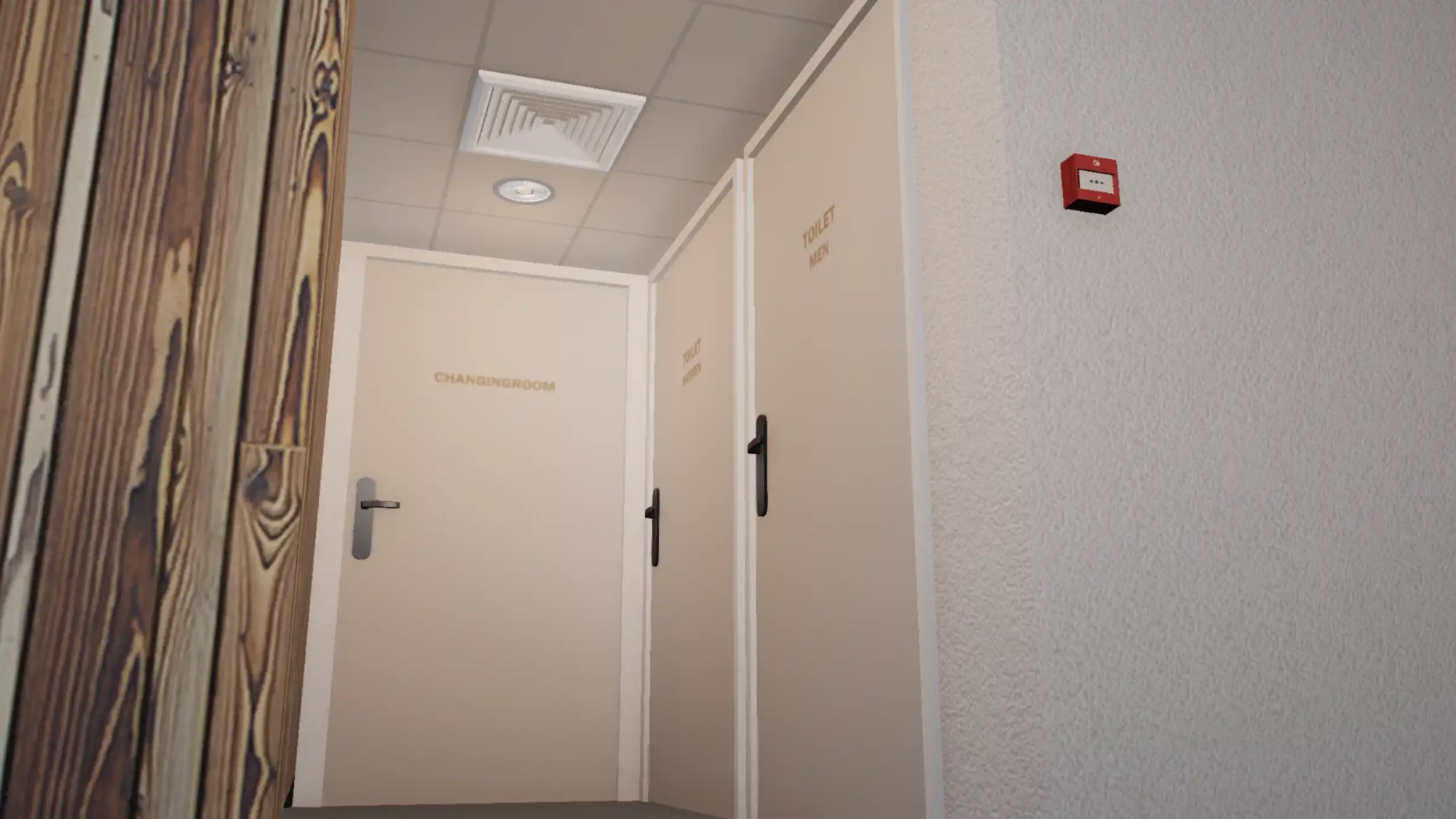
- Toilets
- Kitchen
- Lounge and staff area
- Rescue-boat launch
- Staff parking area
- Bicycle rack
Built for emergency-service roleplay
The station is structured as a practical working environment for fire and rescue departments. Players can prepare for calls, change into their uniforms, organise briefings and deploy emergency vehicles from one complete location.
The living and staff areas also support everyday station roleplay between emergency calls, including shift changes, training sessions, meetings and interaction between crew members.
Land and water response
The rescue-boat launch expands the station beyond standard firefighting scenarios. Departments can use the location for incidents in the Vespucci Canals, along the coastline and throughout the surrounding waterways.
This makes the MLO suitable for combined fire and rescue departments, maritime-response teams, diving units and other specialised emergency services.
Suitable for
- Fire departments
- Fire and rescue services
- Maritime-response teams
- Diving and water-rescue units
- Technical rescue operations
- First-responder teams
- Training exercises and department events
- Daily station and shift roleplay
What is included?
- The complete Vespucci Canals Fire Department MLO
- The custom interior and exterior
- Garage and staff facilities
- Dedicated rescue-boat launch
- Available editable texture files
- Access to future product updates
- Support through the AlphaStore Discord
Compatibility
This MLO is developed for FiveM and operates independently of your server framework. It can be used with ESX, QBCore and standalone server configurations.
Before installation, use the free AlphaStore MLO Scanner to check whether your server contains another MLO or duplicate streamed files that may affect the same location.
Technical information
- Type: MLO
- Platform: FiveM
- Location: Vespucci Canals, Los Santos
- Language and style: American/English
- Framework: ESX, QBCore and standalone
- Customisation: editable textures and front branding included where available
- Resource: as_brandweerkz
- Protection: delivered through Cfx.re Asset Escrow
- Singleplayer: not supported
Live preview
Explore the Fire Department directly in FiveM before purchasing. Select Live preview on this product page to open the AlphaStore showcase server. After joining, you will automatically be taken to the station in Vespucci Canals.
Delivery through Cfx.re Asset Escrow
This product is delivered securely through Cfx.re Asset Escrow. The server licence used to run the product must be connected to the Cfx.re account that owns the purchase.
You will receive the resource files required to install the station and the available files intended for texture customisation. Files protected by Asset Escrow cannot be freely modified.
Updates and support
When a new product version becomes available, it is automatically added to your purchase. You can then download the latest version and install it manually on your server.
Do you need assistance with installation, texture customisation or a possible map conflict? Support is always available through the AlphaStore Discord.
Please note: this product is developed exclusively for FiveM and is not compatible with GTA V singleplayer.
Installation
- Download the Vespucci Canals Fire Department MLO through your Tebex purchase.
- Extract the downloaded archive completely.
- Scan the resource with the AlphaStore MLO Scanner before adding it to your server.
- Review the results for duplicate stream files and possible conflicts.
- Place the resource folder in your FiveM server's resources directory.
- Verify that
fxmanifest.luais located directly inside the resource folder and not inside an additional subfolder. - Add
ensure as_brandweerkzto yourserver.cfg. Use the actual folder name if it differs in your download. - Restart the resource or the complete FiveM server.
- Check the server console for errors.
- Visit Vespucci Canals in-game and inspect the interior, collision, entrances and rescue-boat launch.
Configuration
No framework configuration is required for the standard installation. The MLO can be used with ESX, QBCore and standalone servers.
To apply your own department branding, edit only the texture files supplied for customisation. Keep an untouched backup of the original files so they can be restored when necessary.
Door locks, job-restricted access, storage points, changing rooms, vehicle spawners and interaction zones can be added with the systems already used by your server.
Ensure that your server licence is connected to the Cfx.re account that owns the product. This is required to start the Asset Escrow-protected resource.
Troubleshooting
- Verify that the folder name in
server.cfgmatches the actual resource folder. - Verify that
fxmanifest.luais not located inside an additional subfolder. - Use the AlphaStore MLO Scanner to identify duplicate stream files and conflicting assets.
- Check whether another MLO modifies the same Vespucci Canals location.
- Temporarily test the station without other resources that modify the surrounding area.
- Restore the original texture files if custom branding is displayed incorrectly.
- Check the server console if the resource fails to start or reports an entitlement error.
- Verify that the server licence is connected to the correct Cfx.re account.
- Clear the FiveM client cache if outdated or missing map elements remain visible.
- Check the resource start order if a door, object or map system overrides parts of the station.
- Record the exact error and contact AlphaStore support through Discord if the issue continues.
[ALPHASTORE_SHOWCASE_V2 data=eyJ2IjoyLCJ0eXBlIjoibG9jYXRpb24iLCJzZXJ2ZXIiOiJsZWdhY3kiLCJlZGl0aW9uIjoibGVnYWN5IiwibGFiZWwiOiJCcmFuZHdlZXJrYXplcm5lIiwicmVzb3VyY2UiOiJhc19icmFuZHdlZXJreiIsImVuYWJsZWQiOnRydWUsImxvY2F0aW9uIjp7IngiOi05MTEuMzksInkiOi0xMTcyLjE4LCJ6Ijo0Ljk0LCJoZWFkaW5nIjo4My4yNn19] ```